Pending orders
Key features
- Understand the three pending order states: Unstocked, Locked, and Filter
- Manually inspect and handle orders that need attention
- Spot pending orders by the red marker on each box
Quick guide
- Watch for the red marker on the Pending boxes in Warehouse (WMS).
- Open the relevant pending section to inspect the orders.
- Resolve the issue (restock, fix the error, or review the filter match), then unlock or handle the order.
When an order triggers Pending - Unstocked, Pending - Locked, or Pending - Filter, you have to manually inspect and handle it. A red marker appears on each box when an order is pending.
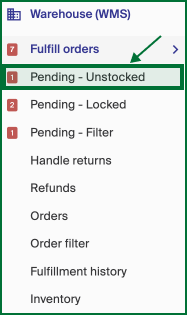
Pending - Unstocked
An order containing one or more missing products lands under Pending - Unstocked. The product is not in stock and needs to be ordered from the supplier. The order moves automatically to Fulfill orders once the product is back in stock. Depending on your setup, you may be able to split the order into separate shipments, shipping the in-stock products first and the rest once they're available.
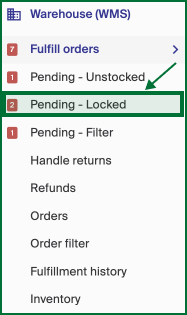
Pending - Locked
When an order has an error, it ends up under Pending - Locked. The error could be a payment problem or a shipping error. Investigate the order, then unlock it by clearing the Locked checkbox and clicking Save.
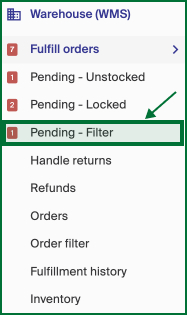
Pending - Filter
Orders that meet the criteria you set under the order filter move to Pending - Filter. The order is ready to ship but locked. After analyzing the reason for the lock, you can handle it by clearing the Locked checkbox.
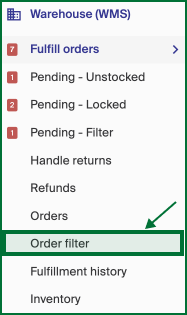
Order filter
Set up filters to prevent fraud in your shop by targeting a certain order value or specific individuals. For example, you can block orders above 1000 SEK, prevent a specific person from ordering, or block orders from a certain country. Name your filter and fill in the parameters you want to use. Orders that meet your criteria are placed under Pending - Filter and can be handled manually after inspection.