Add a content page (Stand-Alone collection)
Key features
- Create stand-alone pages, from informational pages to campaign pages
- Filter a page to a specific market, or leave it open to all sites
- Use tags, such as Menu, to attach a menu to the page
- Schedule when the page is available
Quick guide
- Go to Content (CMS) > Pages.
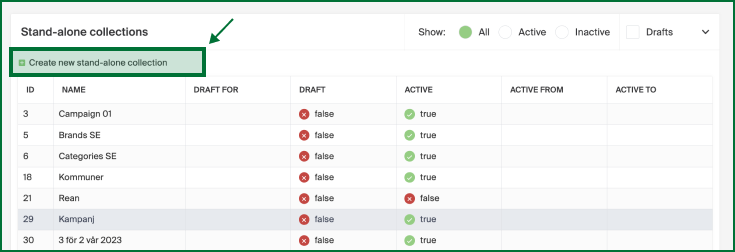
- Click Create new stand-alone collection.
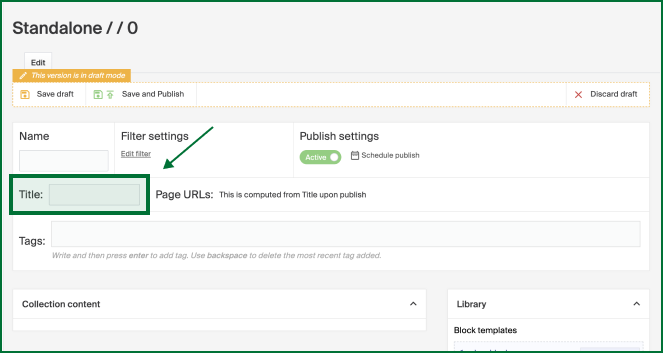
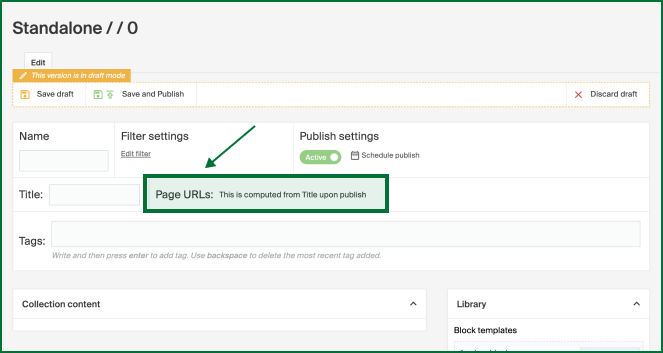
- Name the page and set a Title (which generates the URL).
- Optionally add tags and schedule publishing.
- Click Save draft or Save and Publish.
Go to Content (CMS) > Pages.
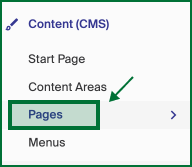
You see a list of all your stand-alone pages. Edit an existing one, or click Create new stand-alone collection.
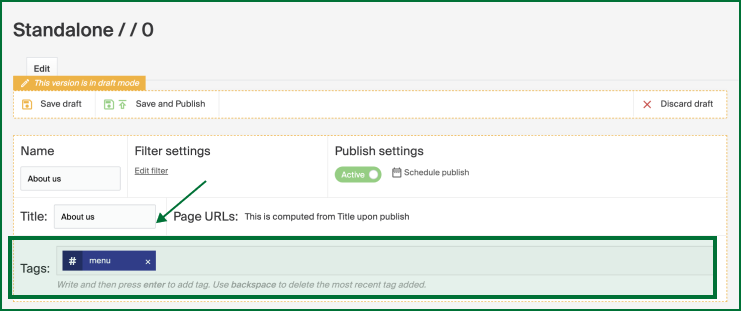
Name your page so you can easily come back and edit it later. If you have several markets, use the filter settings to create a page for a specific one. If left unfiltered, the page applies to all sites. Under Title, give the page a name, which also generates a page URL with the same name.
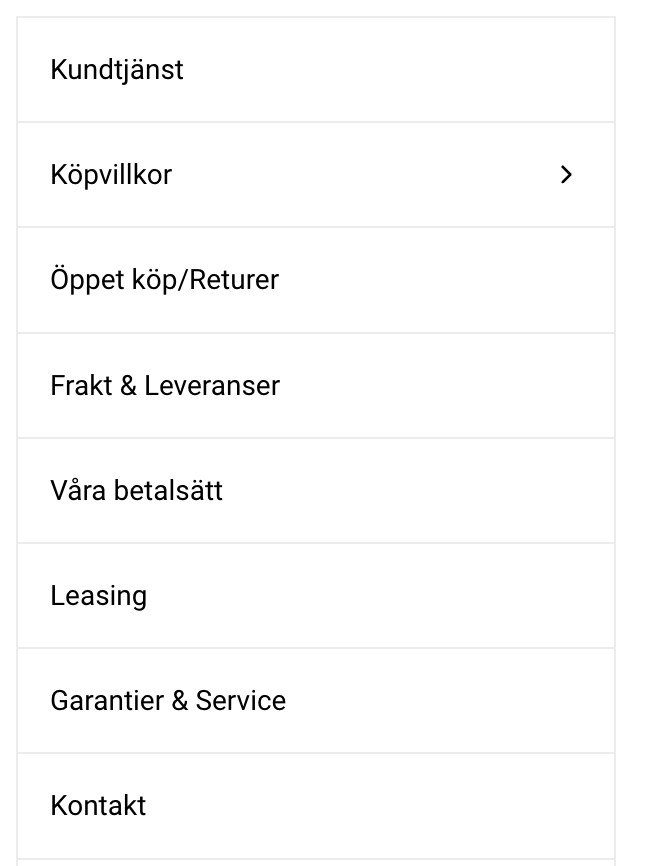
Depending on your initial setup, you may use different tags. For example, the Menu tag is used to attach a menu to the page, often to the left of the page. Pages with the same tag are bundled together. Type Menu in the Tags box. See Create a content page with included menu for the full flow.
An example of how a menu could look, with pages stacked for easy navigation:
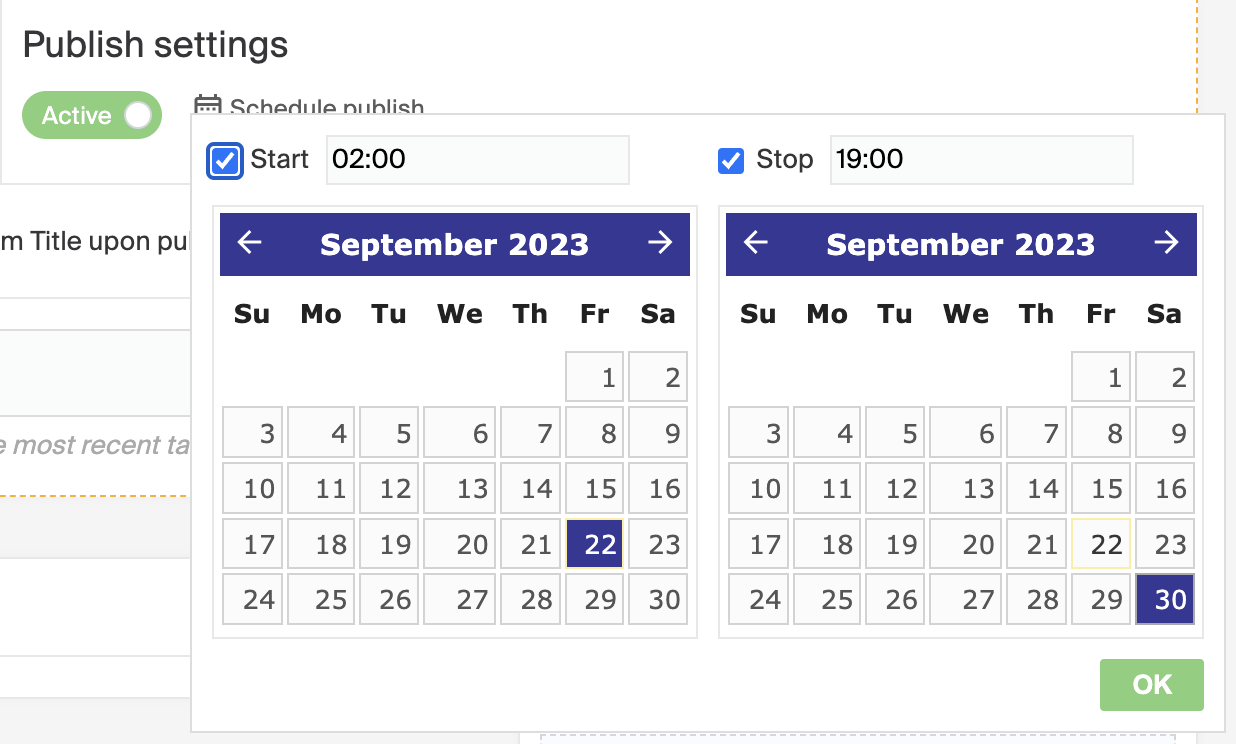
As with all content areas and pages, you can schedule your page to be available at a specific time. Click Schedule publish and set the dates and times between which you want the page published.
When the content is as you want it, click Save draft to keep editing before publishing, or Save and Publish to go live right away.