Create Content
Block templates
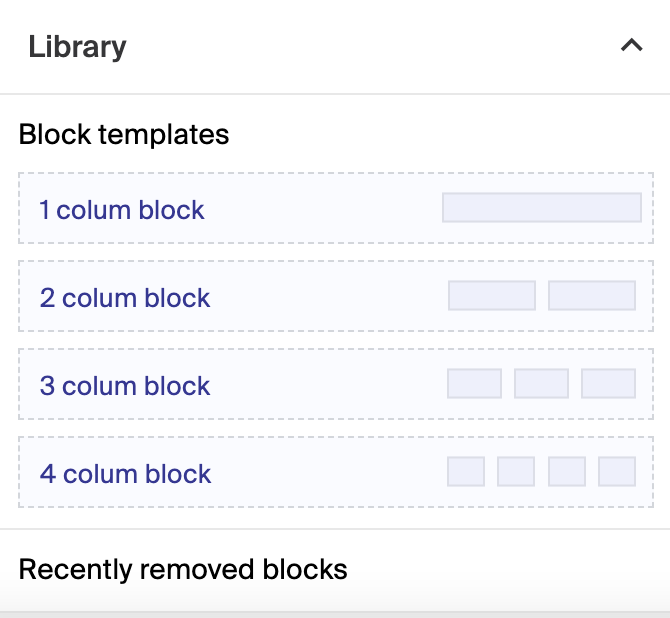
Geins CMS provides a range of block templates with set layouts, each serving a different functional purpose.
Key features
- Set layouts for arranging widgets in your content
- Choose between one, two, three, or four column blocks
- Combine blocks to build a page layout
Geins CMS provides a range of block templates to facilitate content creation. Each has a set layout and a different functional purpose:
| Block | Description |
|---|---|
| One Column Block | Occupies the entire width of the screen and holds a single widget, for a focused, impactful display. |
| Two Column Block | Occupies half the screen's width and holds two widgets side by side, for a balanced presentation. |
| Three Column Block | Uses one-third of the screen's width and holds up to three widgets, ideal for showing multiple pieces of content in a compact space. |
| Four Column Block | Uses one-fourth of the screen's width and holds up to four widgets in one row, suited to a grid-style layout. |