Import Templates
Import template for GoogleTaxonomy
Match your categories to Google Taxonomy, the categories Google uses to distribute products in a shopping flow.
Key features
- Map your categories to Google Taxonomy categories via import
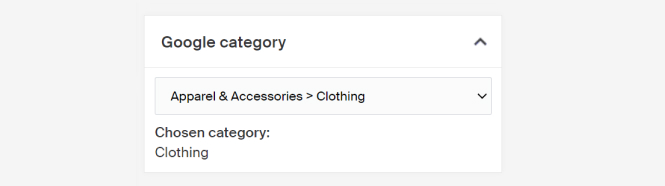
- View or change the mapping per category afterward
Quick guide
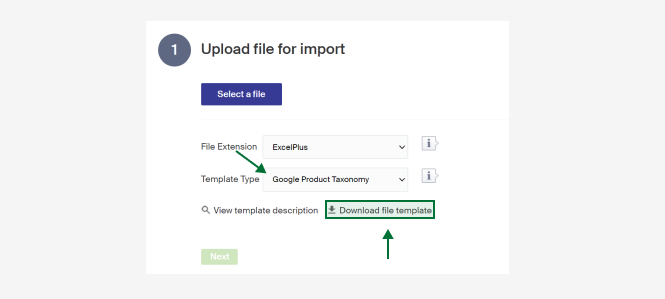
- Go to the Import Tool in the menu and click New.
- In the Template type dropdown, select Google Product Taxonomy.
- Click Download file template.
Google Taxonomy lists the categories Google uses to help distribute products into departments in a shopping flow.
Download the import template by going to the Import Tool in the menu, clicking New, choosing Google Product Taxonomy in the Template type dropdown, and clicking Download file template.
Here is a link to the Google taxonomy list.
A description of the columns follows. There is also a short description in Merchant Center under View template description.
| Column | Description |
|---|---|
| Id | The category's Id in the system. |
| GoogleTaxonomyId | Id of the Google taxonomy category to map against. |
When the import is done, you can view or change which Google category a category maps against in the Google category box on the category.