Create Campaigns
Campaign performance
Description of the campaign performance information in your campaigns.
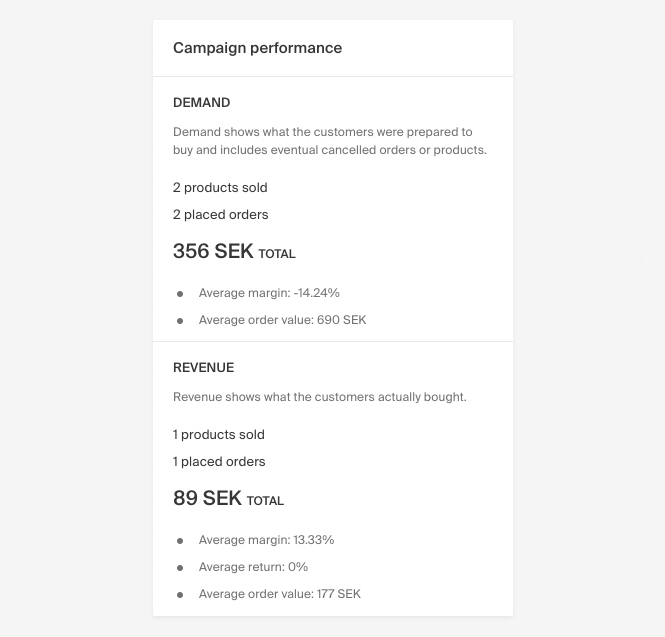
The Campaign Performance section displays a campaign's progress through two key metrics: Demand and Revenue. All amounts are presented excluding VAT.
| Metric | Description |
|---|---|
| Demand | Total quantity of products customers were willing to purchase, including fulfilled and canceled orders. Based on the order date. |
| Revenue | Actual sales where products were successfully delivered and paid for. Based on the delivery date. |
Performance metrics
| Metric | Description |
|---|---|
| Products sold | Number of products sold with the current campaign. |
| Placed orders | Number of orders containing products included in the current campaign. |
| Total | Total sales value made with the current campaign. |
| Average margin | Average margin on products sold with the current campaign. |
| Degree of return | Return rate, returns with campaign divided by total amount sold. |
| Average order value | Average order value for orders containing products included in the current campaign. |