Widgets Library
Buttons widget
Place one or more linked buttons in a row.
Key features
- Place one or more linked buttons in a row
- Link each button to a category, product, info, or campaign page
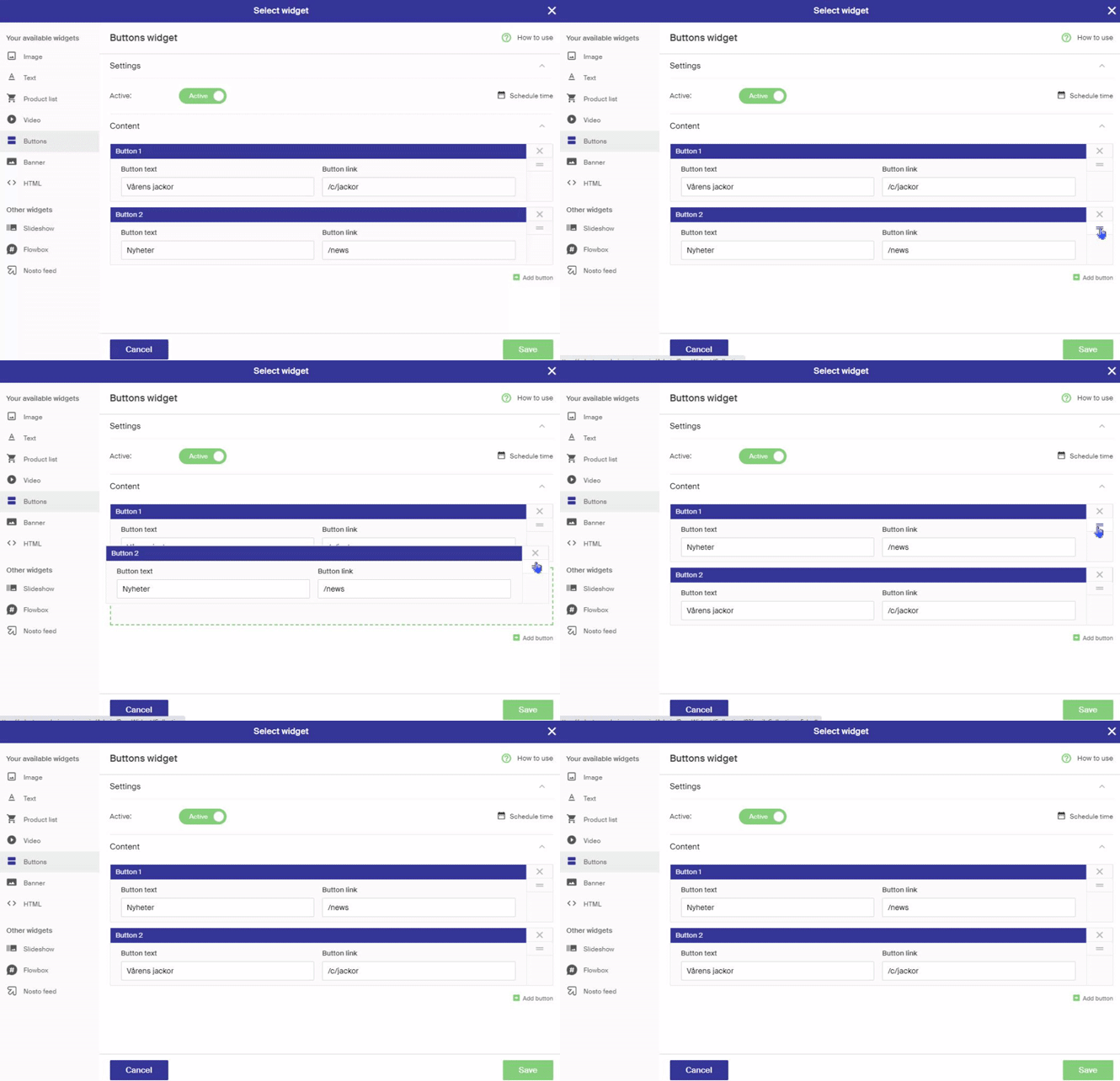
- Add more buttons and reorder them by drag and drop
Settings
| Setting | Description |
|---|---|
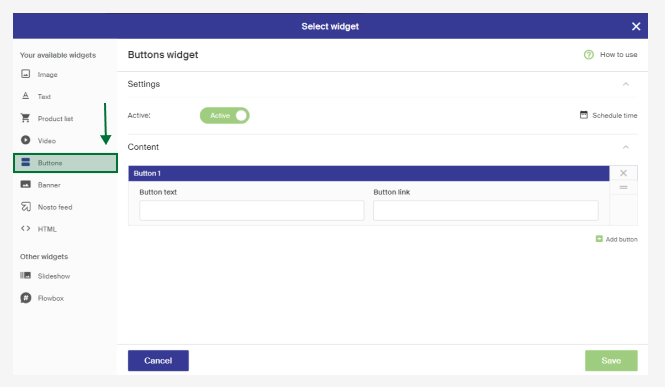
| Button text | The call-to-action text on the button. Keep it clear and concise so visitors understand what happens when they click. |
| Button link | The page the button links to, such as a category, product, info, or campaign page (e.g. /shoes). |
How the buttons look depends on the store's design and how it's built.
Functions
| Function | Description |
|---|---|
| Add buttons | Click Add button at the bottom right, under the other buttons. |
| Sort ordering | The order matches how the buttons appear in the store. Change a button's position by drag and drop. |