Product And Categories
How do I remove a product from a feed?
To remove a specific product from a feed, follow these steps:
- Go to the product page of the item you want to remove.
- In the Feeds box, uncheck the checkbox in the Active column for the feed you want to exclude the product from.
- Click Save to apply the changes.
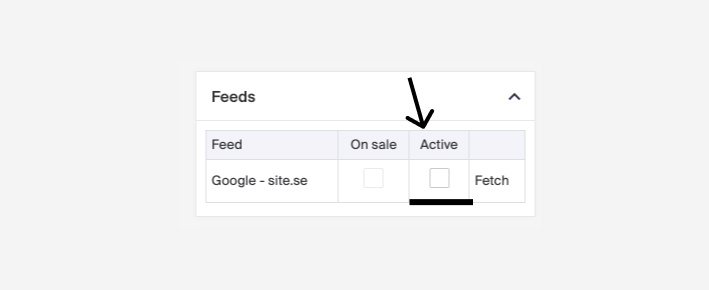
Any changes made will apply when the feed updates, which happens every hour.