Product And Categories
How do I add a variation to a product?
Use a variation to have different images or a different price on a product
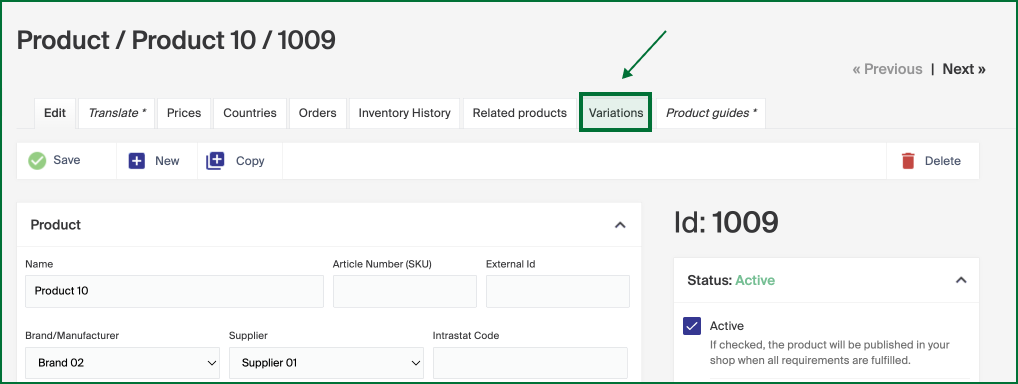
To add a variation to a product, go to the Variations tab in Geins Products (PIM) > Products. In this example we will add a color variation to a product.
- Utilize the search function to the far right in the Variations tab to find the product either by its name or ID number.
- Once located, select the product that aligns with your search.
- Incorporate this chosen product into the variation by clicking the plus sign.

- You have the flexibility to repeat this process and include as many products as needed.
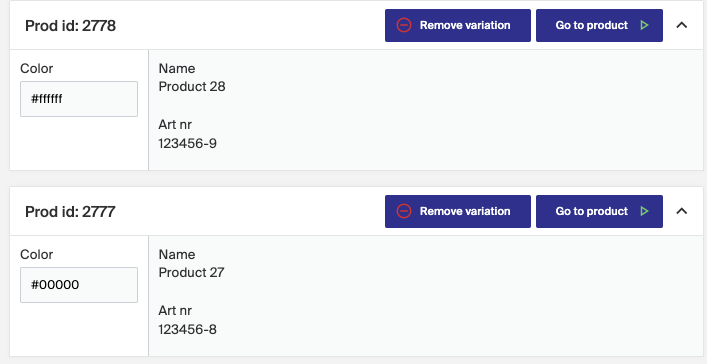
- Remember to apply the hexcode input to the new product to maintain color consistency.